Invite a member
Steps
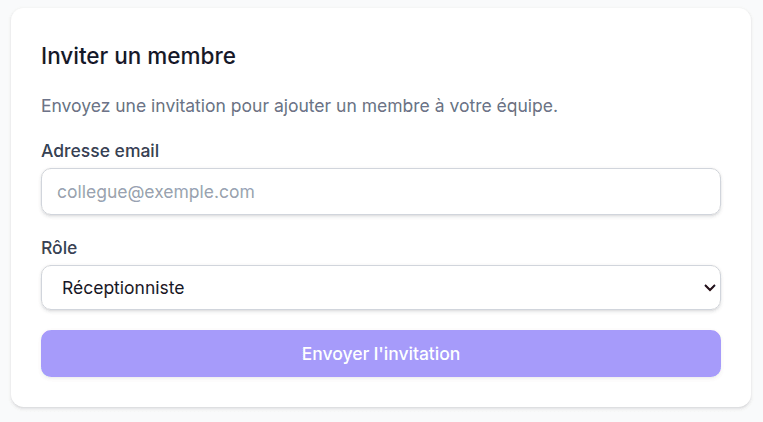
- Go to Team in the sidebar
- Click the Invite a member button
- Fill in the form:
| Field | Description |
|---|---|
| Email address of the new member | |
| Role | Owner, Manager or Receptionist |
- Click Send invitation
What the recipient receives
The new member receives an invitation email containing:
- The name of your property
- The assigned role
- A link to create their account (valid for 7 days)
After the invitation
The recipient clicks the link, creates their password and gets immediate access to the dashboard with the permissions matching their role.
Resend an invitation
If the link has expired or the recipient did not receive it:
- The expired invitation disappears automatically
- Send a new invitation using the Invite a member button
Available roles
See Roles and permissions to understand the differences between owner, manager and receptionist.
Last updated on