Take charge of a booking
When a customer submits a request, it arrives with the To process status. Taking charge = contacting the customer to confirm their booking and ask for the deposit or payment via your usual payment method.
Procedure
- From the bookings list, click a booking with the To process status
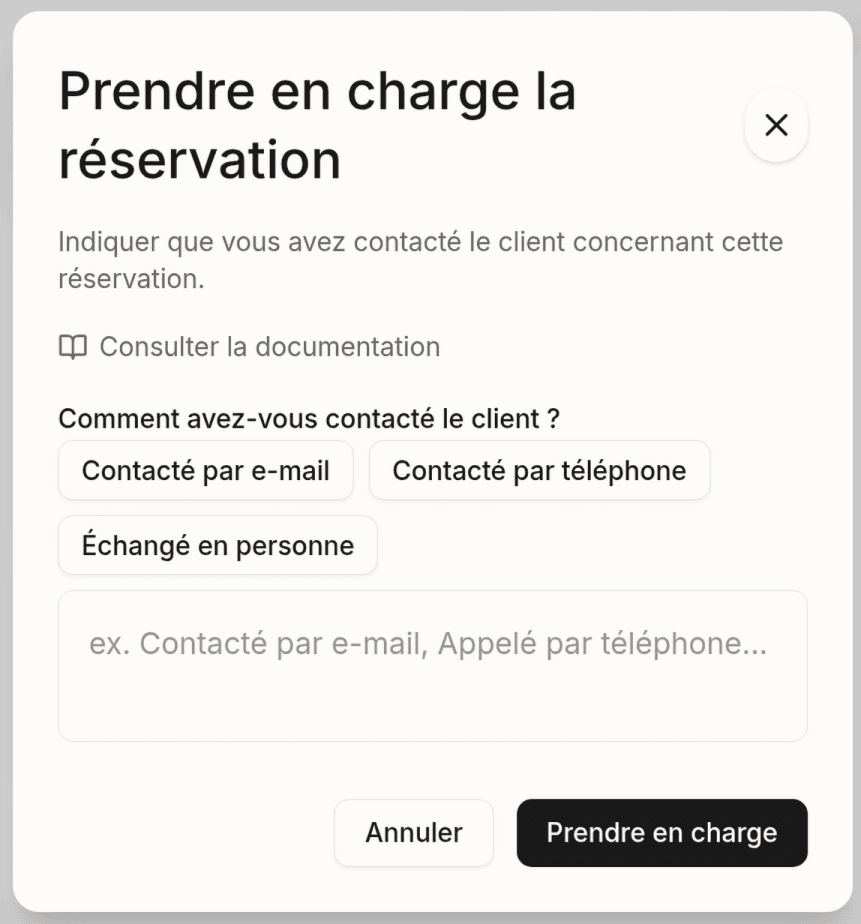
- Click the Take charge button
- Select how you contacted the customer:
- Contacted by email
- Called by phone
- In person
- Click Confirm
Result
- The status changes to Awaiting response
- The initial processing deadline is replaced: the booking stays valid until the end of the arrival day (property time), then expires automatically if it has not been confirmed
- The customer receives an email telling them their request is being processed
- You can now confirm (with or without a customer reply), edit or decline the booking
Take charge of bookings quickly. Unprocessed requests expire automatically.
Last updated on