Booking detail
Click a booking in the list to open its detail. The detail opens in a new tab: your filtered list stays open, and the “Bookings” breadcrumb takes you back to the list with the same filters.
Header
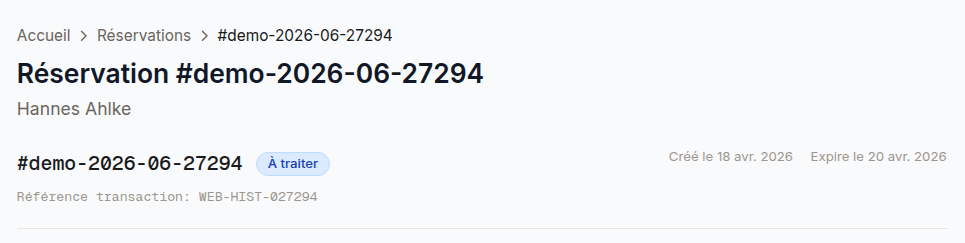
- Booking number and status (colored badge)
- PMS identifier (if confirmed)
- Creation, expiry and confirmation dates
- Cancellation or decline reason (where applicable)
Actions
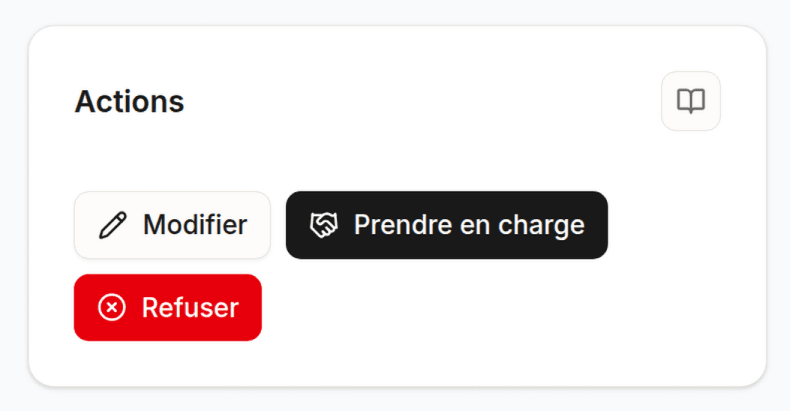
| Current status | Available actions |
|---|---|
| To process | Take charge, Edit, Decline |
| Awaiting response | Confirm, Edit, Decline |
| Confirmed | Cancel, View in Apaleo |
| Canceled / Expired / Declined | None (terminal status) |
Customer and stay
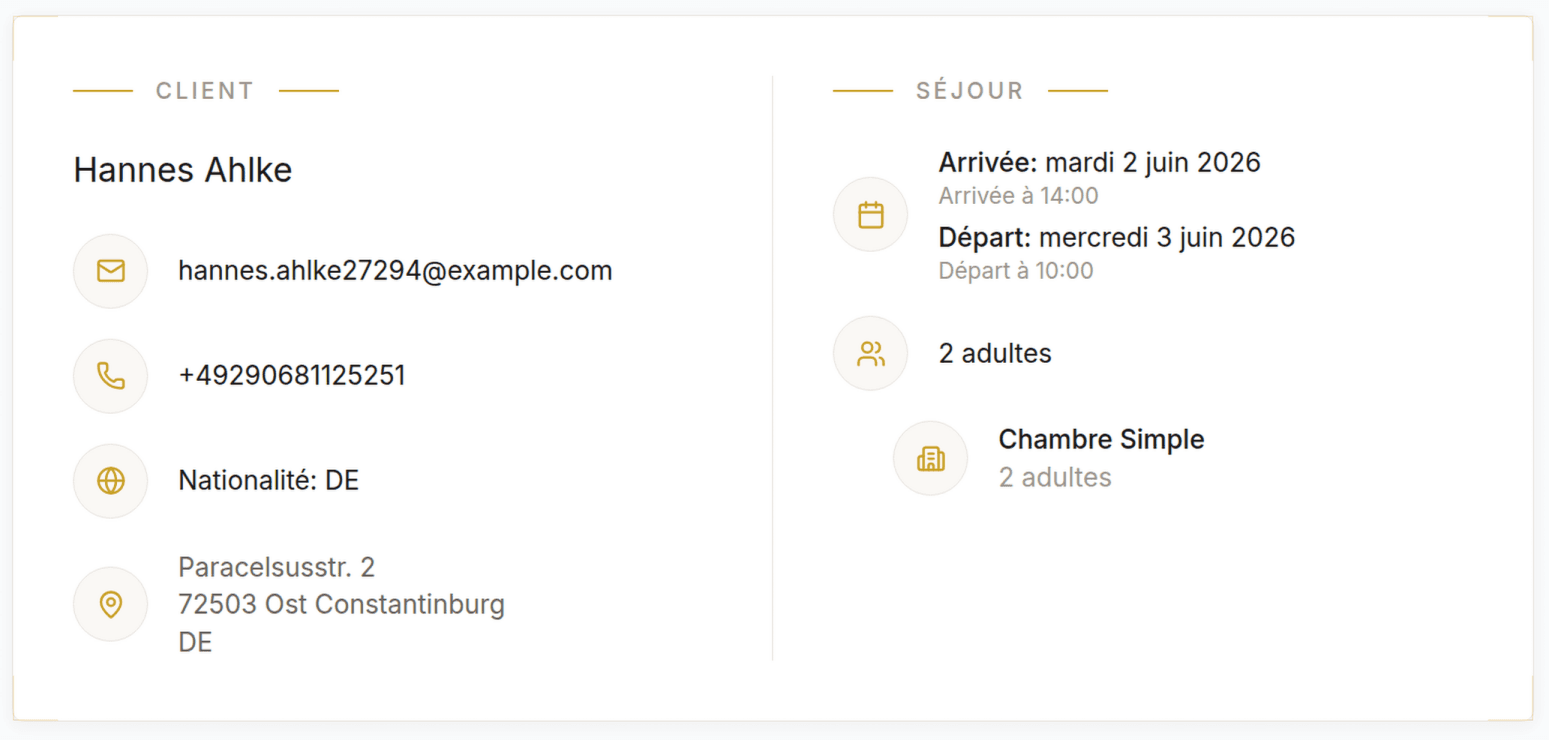
Customer:
- Title, last name, first name
- Email and phone (clickable)
- Date of birth, nationality
- Full address
- Visit type (personal / business)
Stay (per booked room):
- Room type and rate plan
- Arrival and departure dates, number of nights
- Guests (adults, children with ages)
- Booked services
- Special requests
Pricing
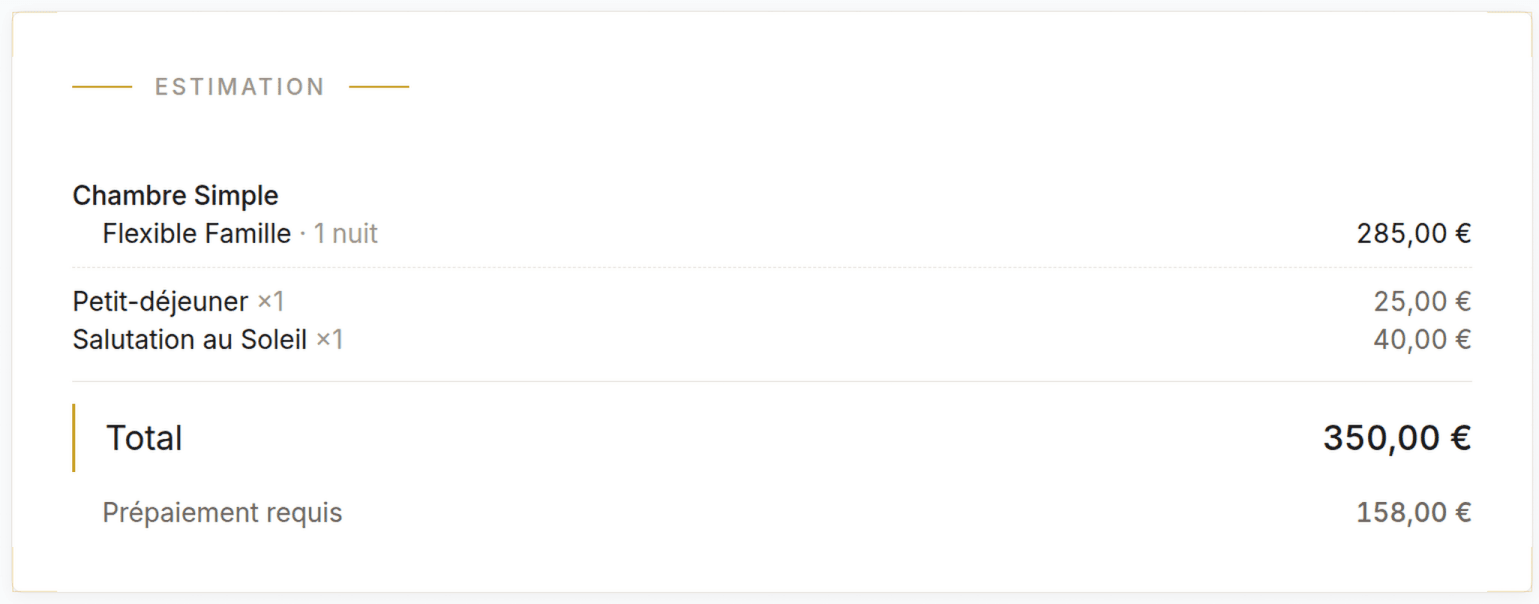
- Price per night (night-by-night breakdown)
- Accommodation subtotal
- Additional services with unit prices
- VAT (breakdown by rate)
- Total incl. tax
- City tax (collected on site, not included in the total)
- Cancellation policy
Folio / Payments
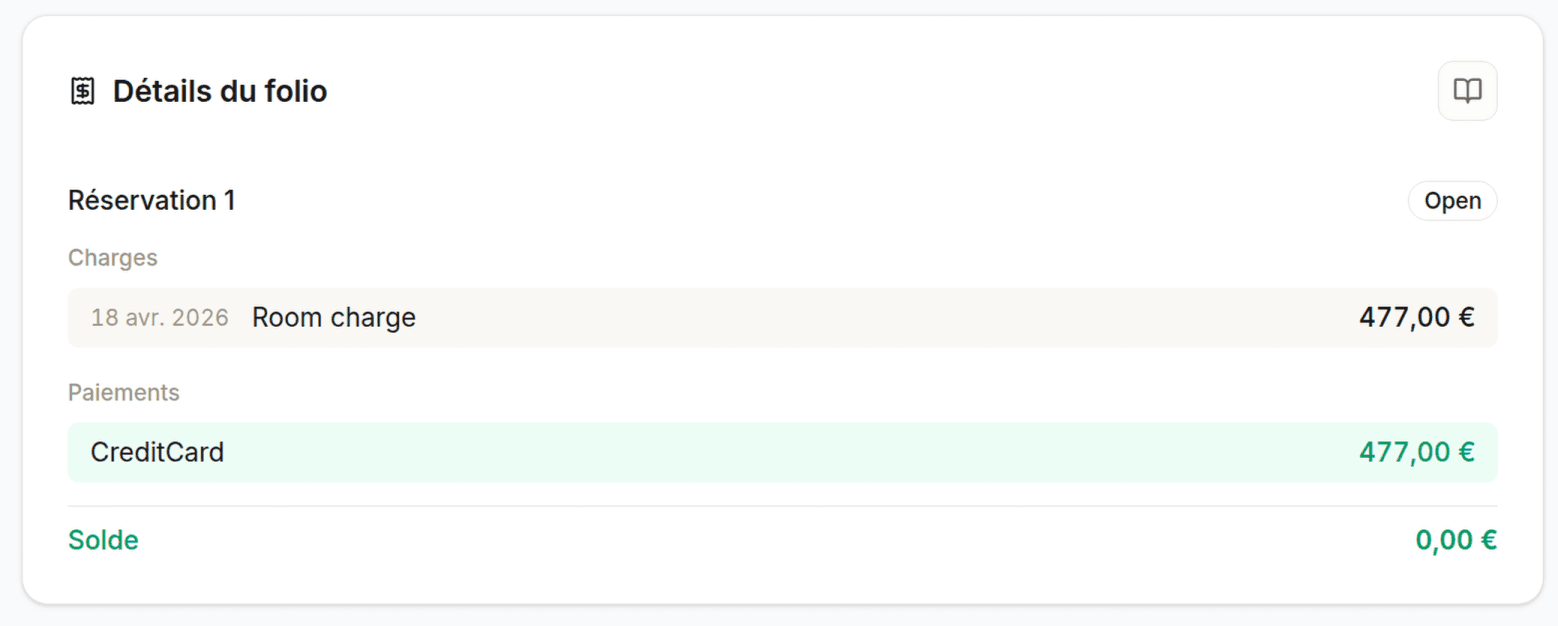
- Itemized charges
- History of recorded payments
- Outstanding balance
- Payment status: Paid / Partial / Due
The folio data is synced with the PMS (Apaleo).
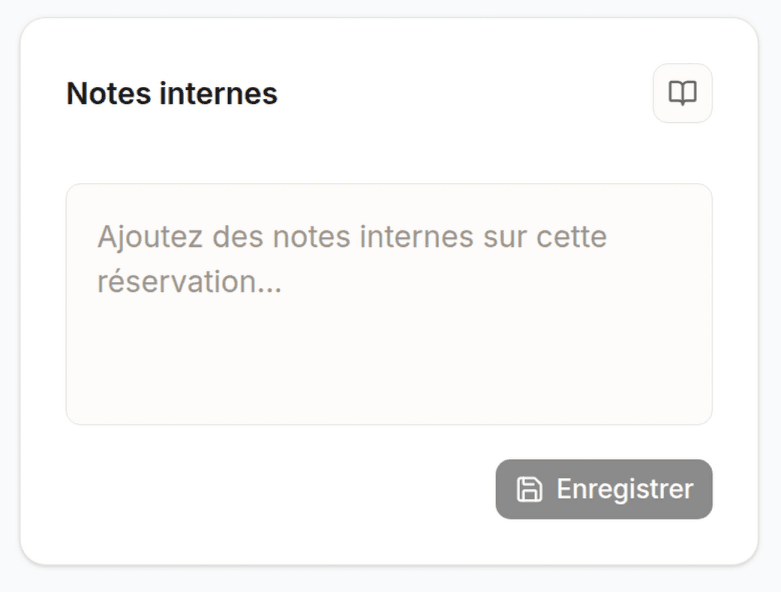
Notes
- Customer requests (entered during booking)
- Internal notes (visible to staff only)
Internal notes are synced with the booking note in Apaleo.
Last updated on