Sign in and account
Creating your account
You can create your account yourself: on the sign-in page, click Create an account.
- Enter your name, your email address and a password of at least 8 characters, then confirm that password
- Click Create my account
- You are signed in, and a verification email goes out to the address you gave
You then land on a screen inviting you to verify your address. Nothing received? Check your spam folder, or click Resend the link. You can also carry on right away with Continue setup: your address can be verified later, the verification email staying valid.
This form creates your personal account, nothing more. Your property is created right after, during the initial setup.
Joining an existing property
If your property already uses Hestia Reservation, you have no account to create: the owner or the manager invites you from their team.
- You receive an invitation email
- Click the link in the email
- Create your password
- You are signed in and redirected to the dashboard
The invitation link expires after 7 days. If the link has expired, ask your administrator to send a new invitation.
Invited members do not go through the initial setup: it belongs to the person who created the organisation.
Signing in
- Go to your property’s sign-in page
- Enter your email address and your password
- Click Sign in
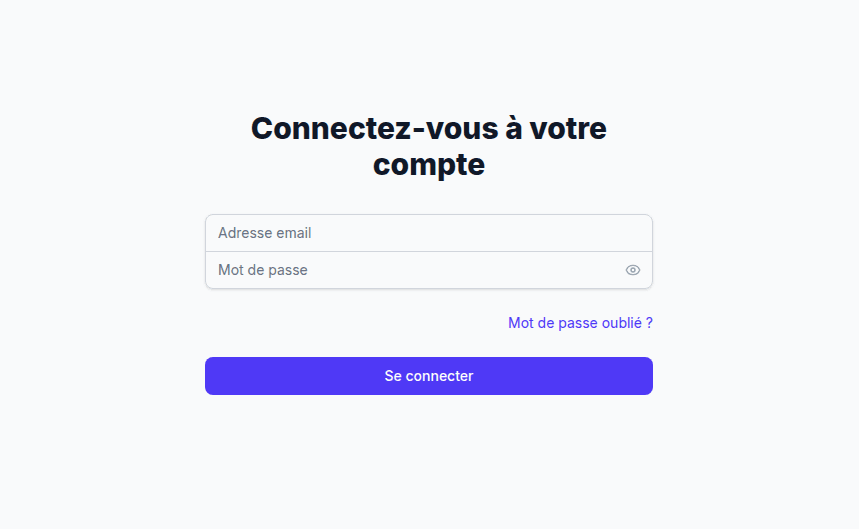
Forgot password
- On the sign-in page, click Forgot password?
- Enter your email address
- You will receive an email with a reset link
- Click the link and set a new password
Signing out
Click your name at the bottom of the sidebar, then click Sign out. The user menu and the sign-out option are visible in the general interface screenshot (see Discover the interface).