Customer journey (public)
The full journey your customers go through when they book on your public page.
URL of your booking page
https://your-domain.com/{property-slug}/{room-slug}/bookingShare this link on your website, your social media or by email.
Step 1: Dates and guests
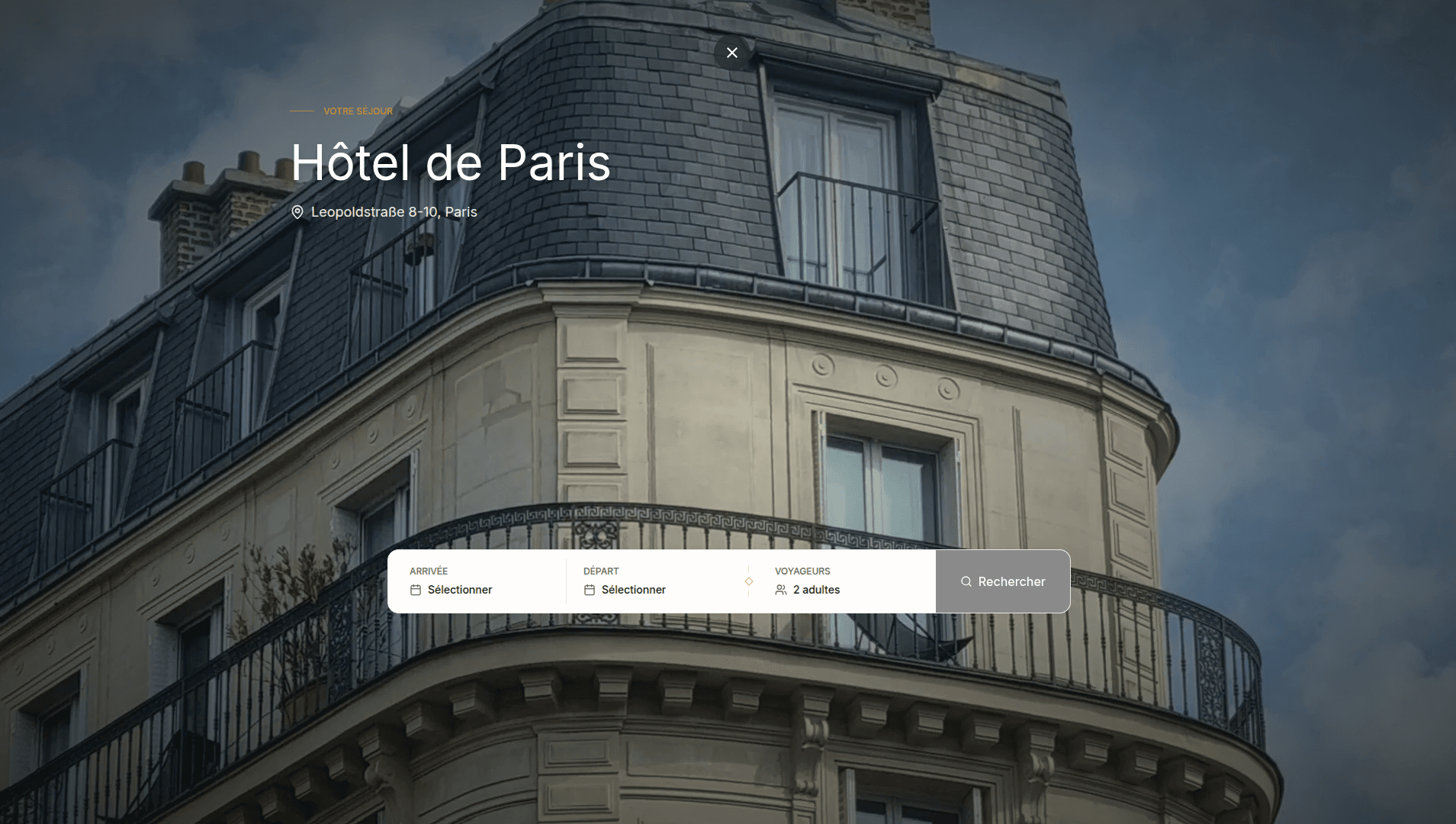
- Hero photo of the property
- Date selection calendar (with price per night)
- Guest selector (adults, children with age)
- Room selector (multi-room bookings)
Step 2: Room selection
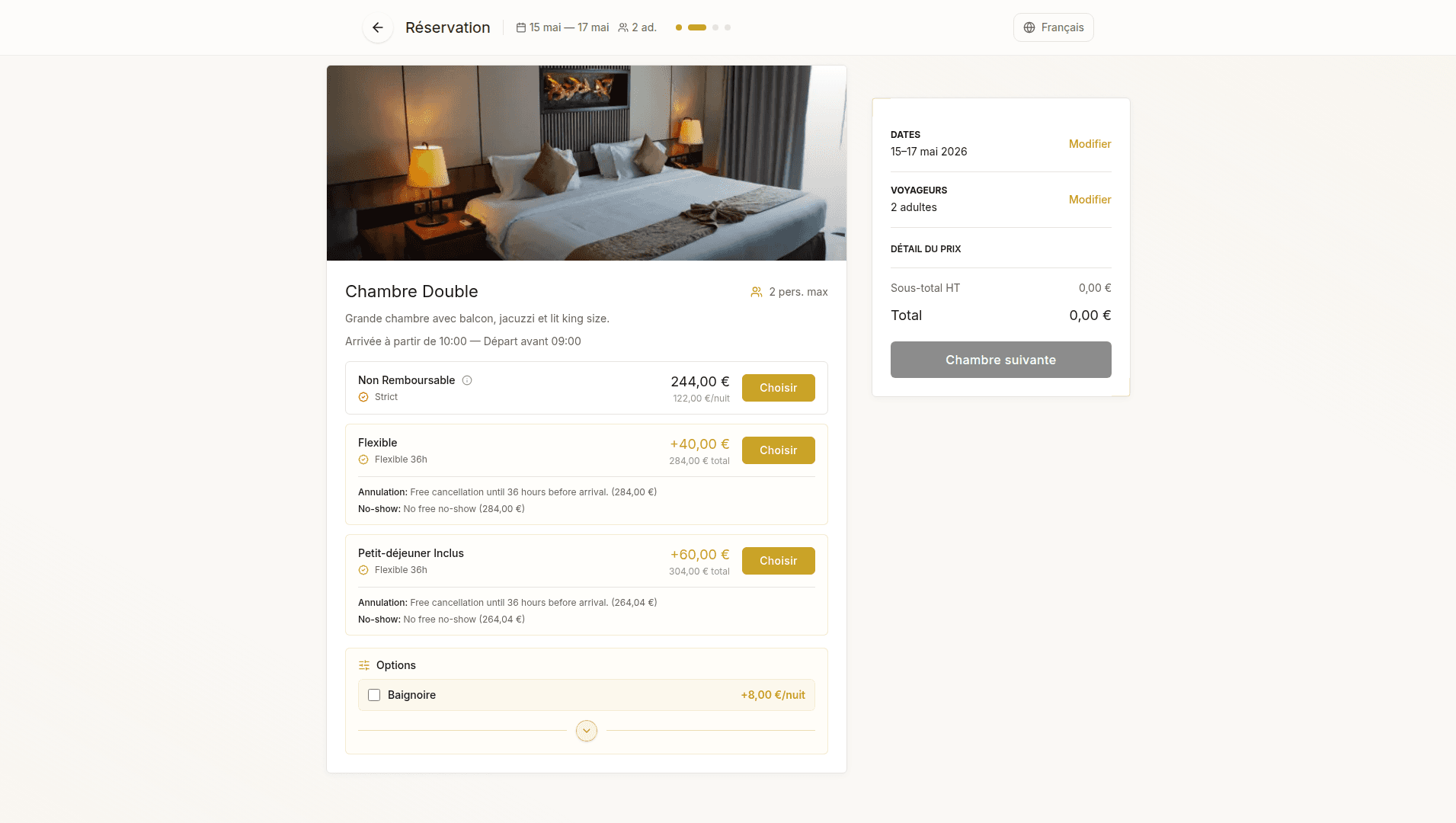
- Available room types with photos
- Rates with price per night and total
- Remaining availability (e.g. “Only 2 left”)
- Cancellation policy per rate
- Check-in and check-out times
Step 3: Services and options
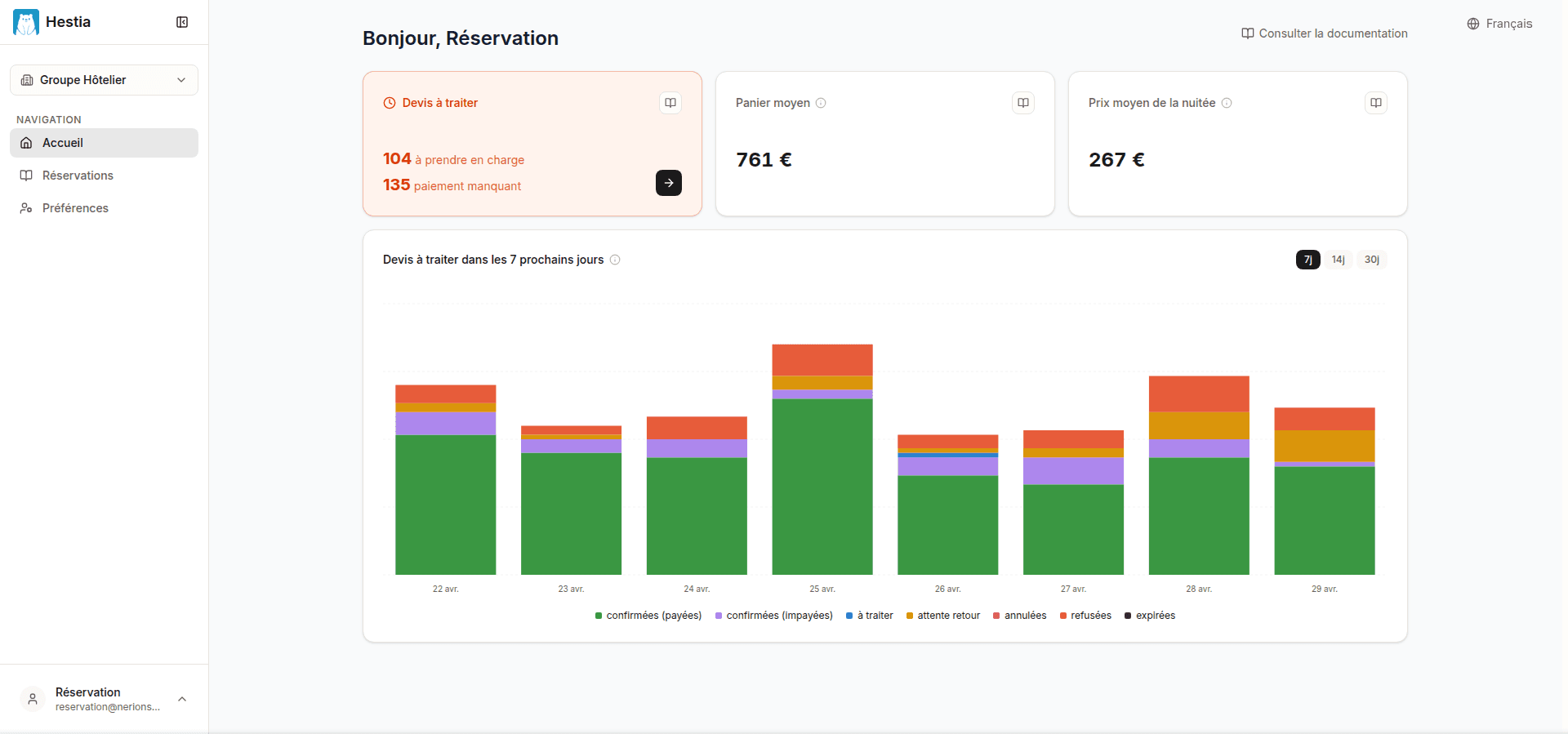
- Optional services per room (breakfast, parking, spa…)
- Room options (high floor, sea view, baby cot…)
- Unit prices displayed
Step 4: Guest details
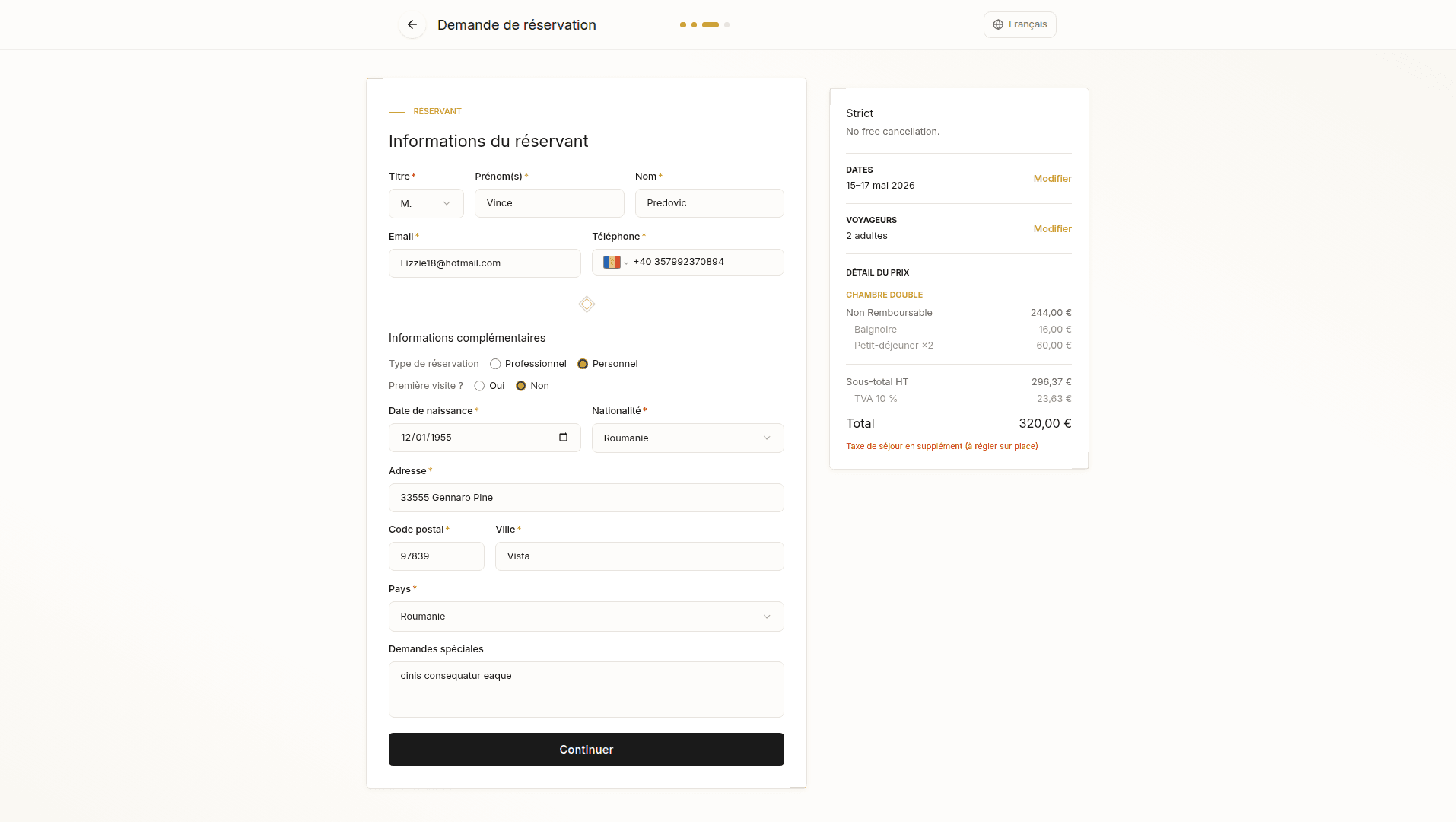
| Field | Required |
|---|---|
| Title (Mr, Mrs, Mx, Other) | Yes |
| First name(s) | Yes |
| Last name | Yes |
| Yes | |
| Phone | Yes |
| Address, postal code, city, country | Yes |
| Visit type (personal / business) | No |
| Special requests | No |
Step 5: Summary and validation
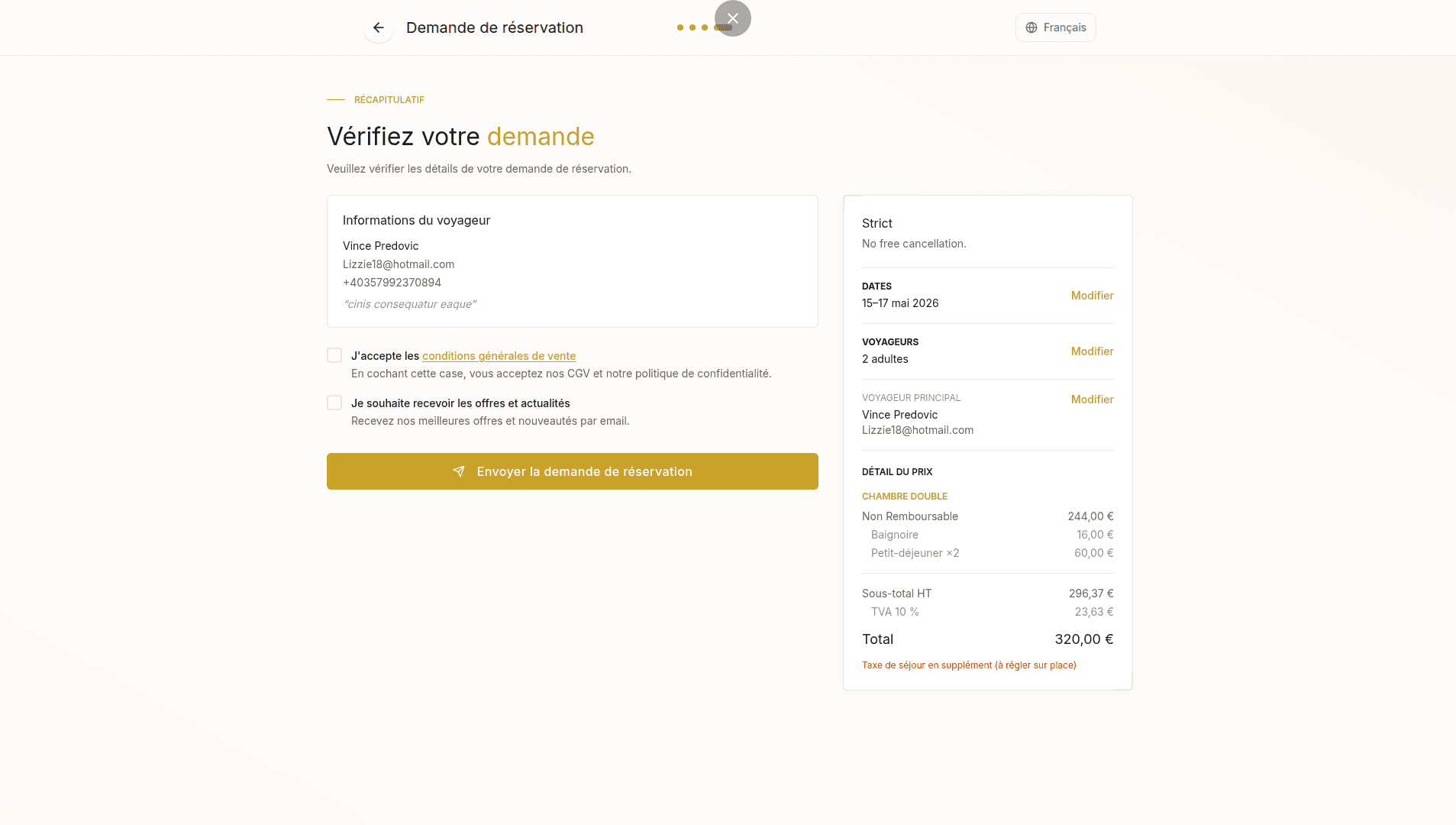
- Summary: rooms, rates, services, options, guest
- Price breakdown (nights, services, VAT, total)
- Cancellation policy
- T&Cs checkbox (required)
- Newsletter checkbox (optional)
Confirmation and tracking
After submission, the customer sees a confirmation page:
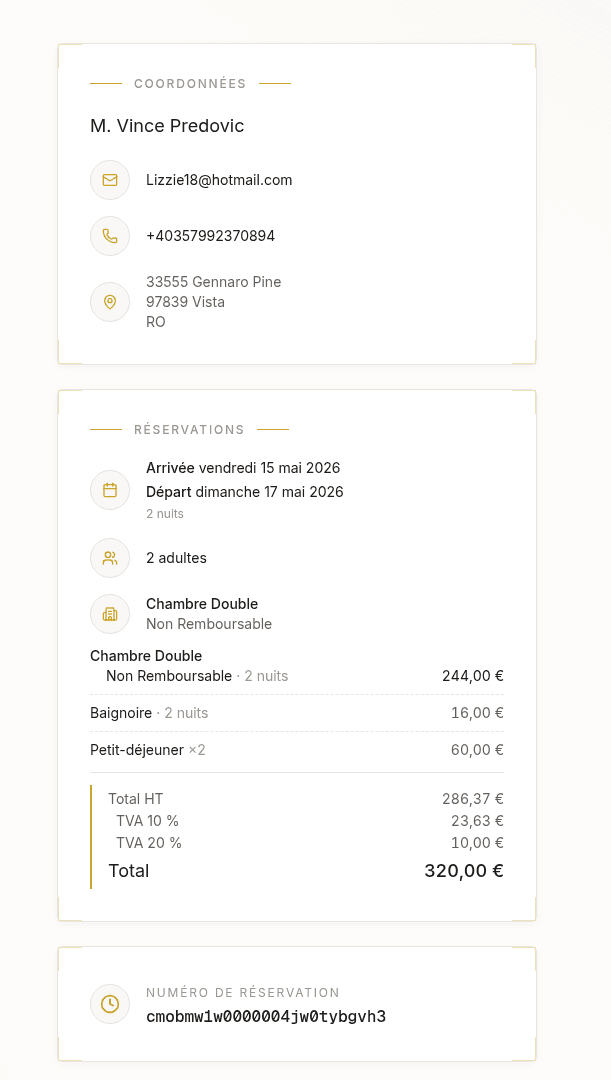
- Booking number
- Current status (To process)
- Full booking details
- Property contact details
The customer receives an email with a link to this same tracking page. They can return to it at any time to follow how their booking is progressing (status, cancellation/decline reason, payment information).
Last updated on