Team management
Invite new colleagues, assign roles and remove access.
Access: Owners and Managers.
Access
Click Team in the sidebar.
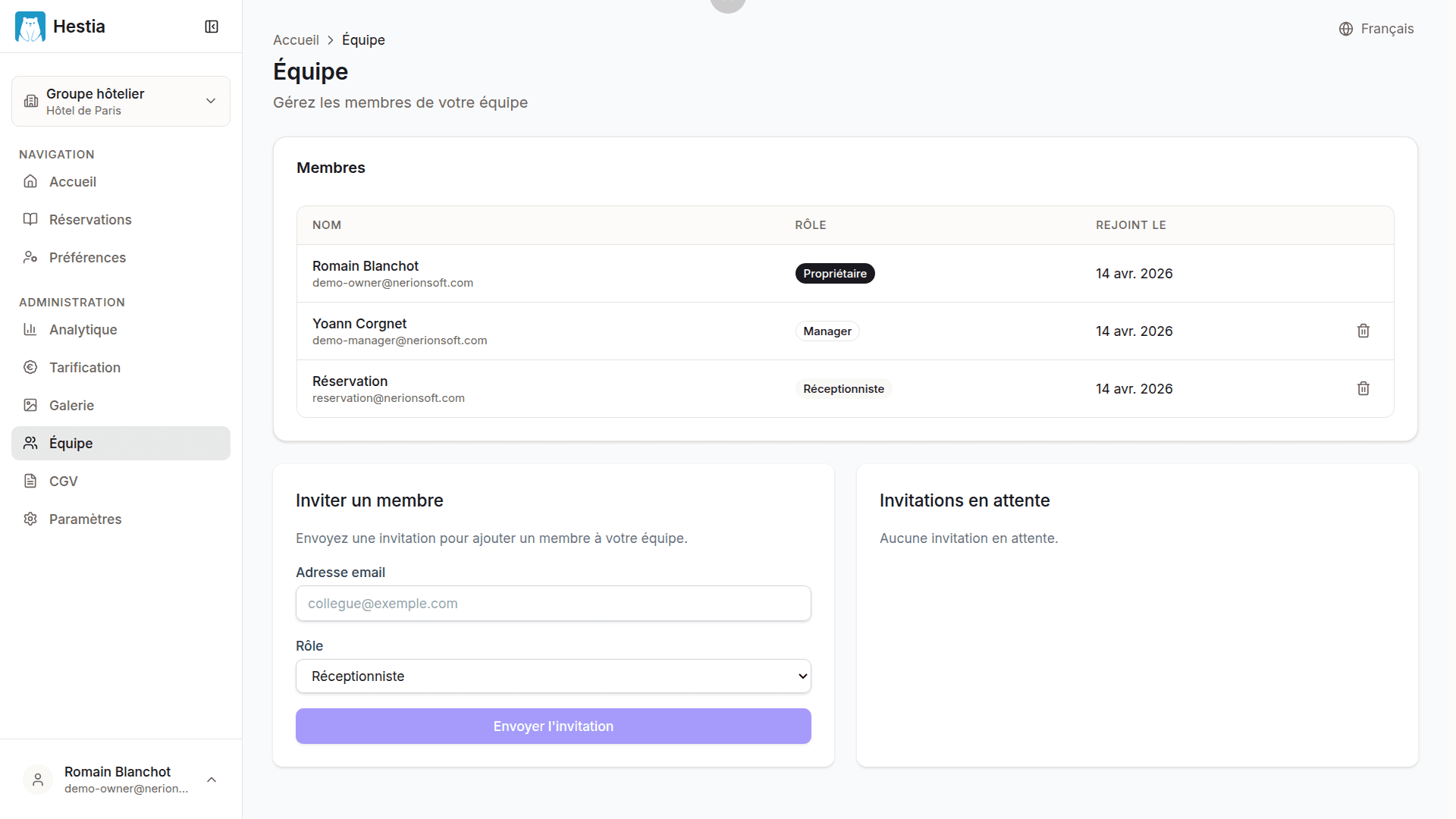
On this page:
- An “Invite a member” button
- A table of active members with name, email, role and date added
- A “Pending invitations” section with email, role, expiry and a revoke button
Member list
| Column | Description |
|---|---|
| Name | The member’s first and last name |
| Email address | |
| Role | Owner, Manager or Receptionist |
| Joined on | Date added to the team |
| Actions | Delete button |
Pending invitations
Below the list of active members, you will find the pending invitations:
- Recipient’s email address
- Assigned role
- Expiry date (7 days after sending)
- A Revoke button to cancel the invitation
Last updated on